
With everything getting more and more expensive, it's important to find ways we can save as much as we can. If you have an AMEX you've likely been earning 1/1.5 points per £1 (as long as you use it for everything!). But you've been missing out on so much more by not going through the shopping portals or e-stores and that's only if you remember.
This is where PointsPilot comes in because it does the remembering for you in your Google results and on partner websites.
1. Search like normal
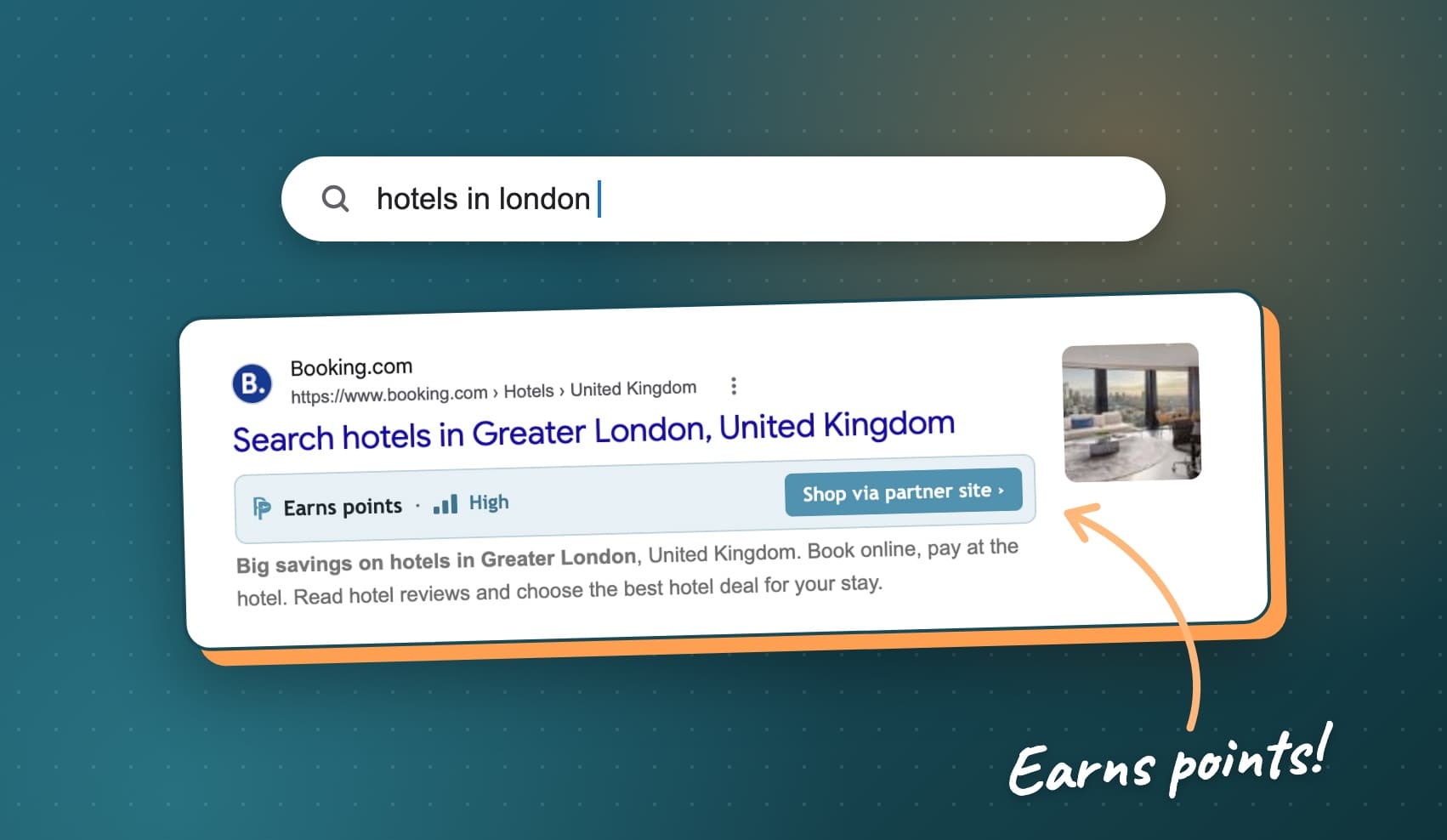
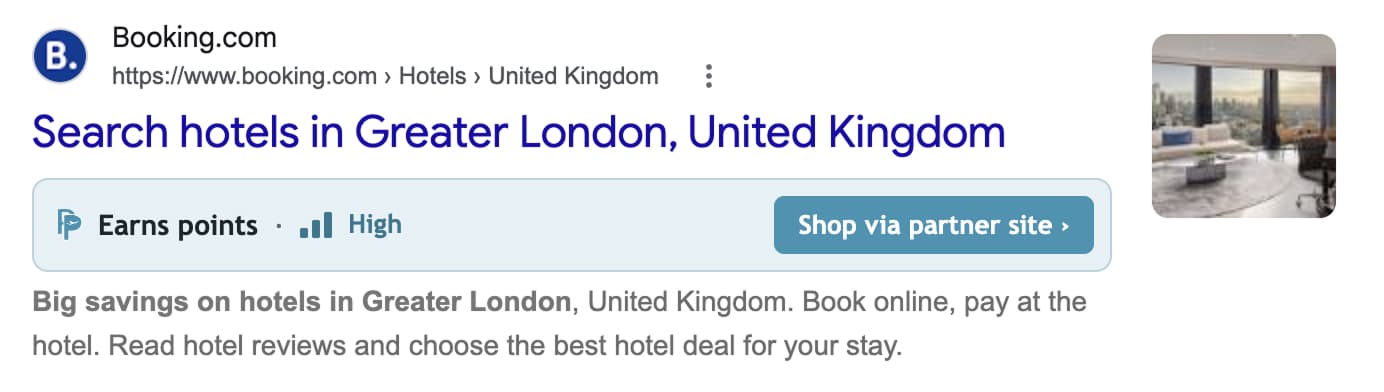
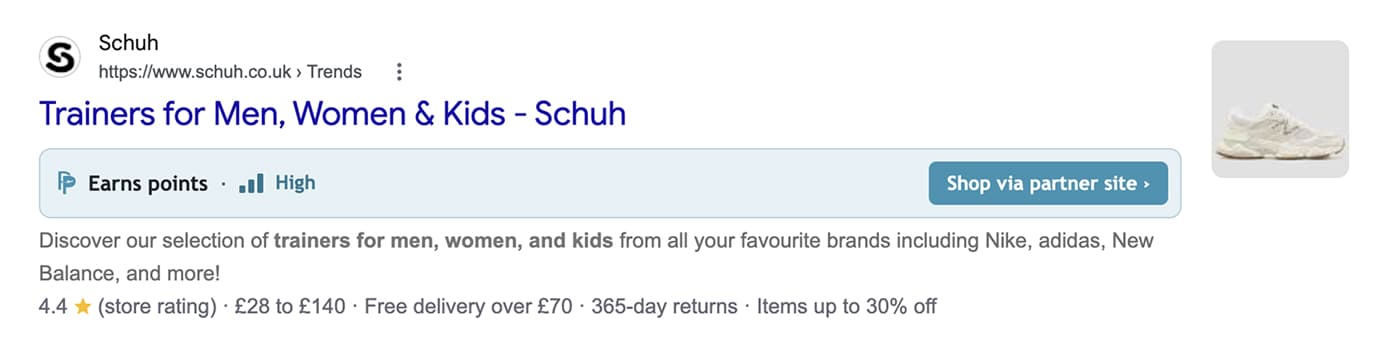
Look for anything on Google. PointsPilot checks every result against our list of partner stores and adds a badge to the ones that earn.
2. Click the badge and shop as normal
The badge takes you through the partner link, so your purchase is tracked. If you go straight to a store instead, PointsPilot pops up there to remind you.
Went straight to the store? You'll get a reminder
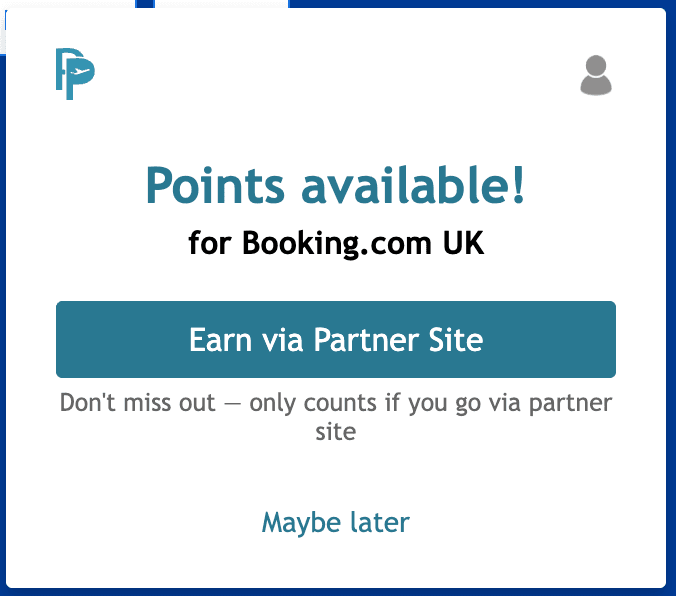
Not every shop starts on Google. You might type the address, tap a link in an email or open a bookmark. When you land on a partner store, PointsPilot shows a small "Points available!" pop-up in the top-right corner of the page.
- Earn via Partner Site sends you through the partner link and back to the store, so your order is tracked. Then shop as normal.
- Maybe later closes it, and it stays closed on that store until you next open your browser.
3. Points land in your account
Purchases show as pending in your rewards account, then confirm once the retailer approves them. No vouchers, no forms.
I've usually had points land weeks or months after my purchase. This is out of all our control, it's down to the partner store. But here's the journey you can look forward to

Heathrow Airport Parking
PointsPilot alert
“Points available!” showed on the store’s site
Step 1
Bought airport parking
£209.98, via the partner site
1 Aug 2026
Over 1,000 points approved
Added to my balance
24 Sep 2026
Points rounded down. What you earn depends on the store’s offer at the time.
Your searches stay on your device
When you install, Chrome says PointsPilot can read the sites you visit. That's how it spots partner stores. Here's what actually happens:
- We send a list. Your browser gets a list of partner stores from us.
- Your browser checks. Each search result is checked against that list, on your device.
- Your searches stay yours. We never see what you search for, and we don't store your browsing history.
Free and Elite
The free Starter plan badges a set of partner stores and alerts you when you land on one. Elite covers all 2,000+ partner stores, including the ones that pay the most points, and on the free plan your search results tell you how many you're missing. Compare plans.
Cashback sites, coupon extensions and PointsPilot
Cashback sites and coupon extensions work the same way underneath: a tracked link tells the store who sent you. Usually only one tracked link can claim an order, so a cashback click, or a coupon extension that swaps in its own link, can replace your points tracking.
Pick one per order. If you'd rather put it towards a trip than get a few pounds back, go with points. Discount codes from the store itself are usually fine to use alongside them.
FAQ
Is PointsPilot free?
Yes. The Starter plan is free and badges a set of partner stores. Elite is paid and covers all 2,000+ stores. Compare plans.
Does it work in Edge?
Yes. PointsPilot installs from the Chrome Web Store, which works in both Chrome and Microsoft Edge.
Do I need a rewards account?
Yes. Points are paid into your airline or hotel programme account, so you'll need to be a member. Joining most programmes is free, including the programme we support.
Can PointsPilot see what I search for?
No. Your browser checks your results against our list of partner stores on your device. We never see your searches and don't store your browsing history.
Get alerted automatically when you're shopping at a points-earning retailer.